Learn how we help
About the product
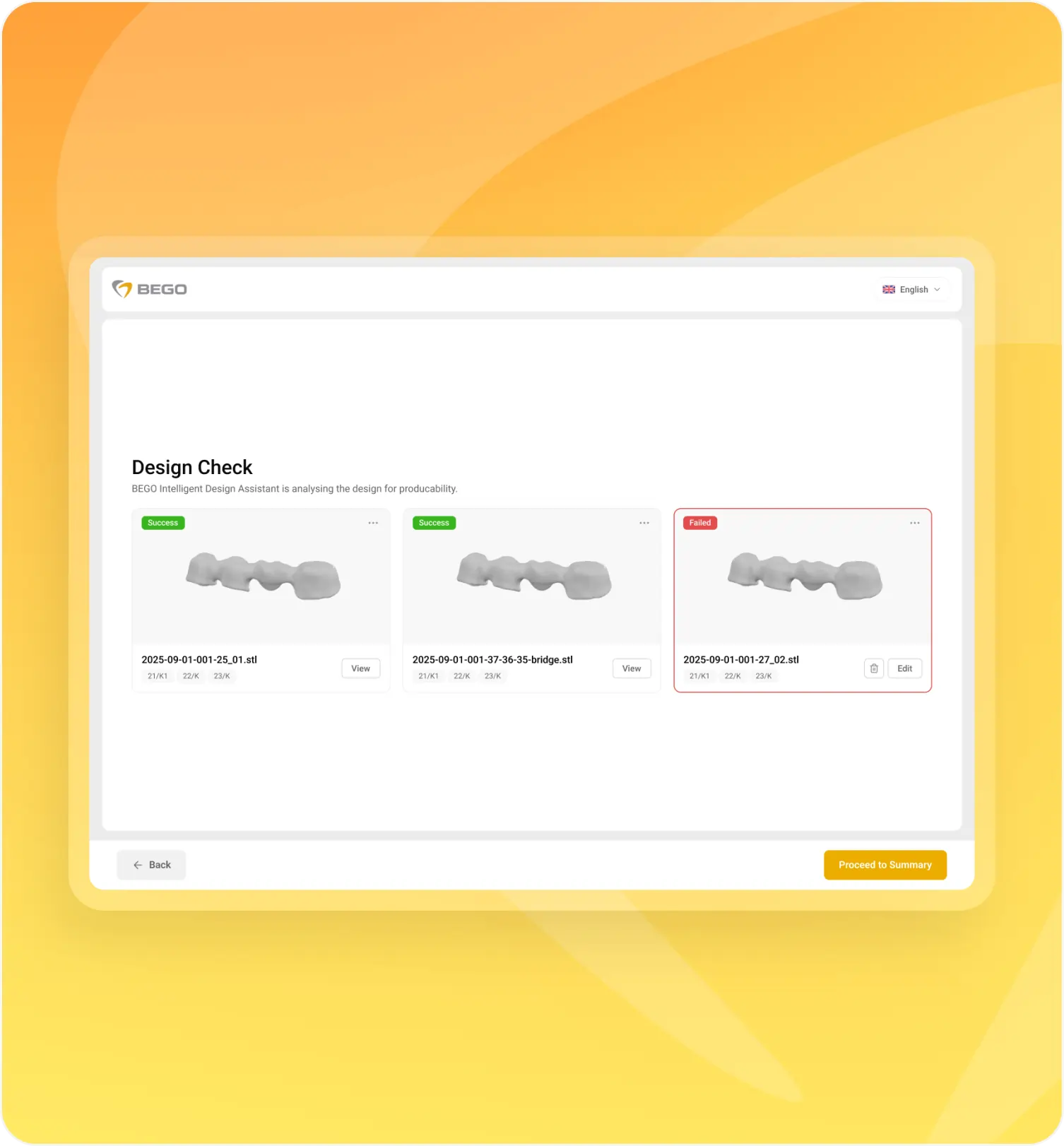
BEGO has several portals for different tasks, such as the CAD/CAM Order Portal, Scan & Design Center, Guide Order Portal, etc. We worked on the Upload Portal for file upload and validation.
Our engagement
The client wasn’t happy with their Upload Portal as its architecture and setup didn’t comply with their current needs. Therefore, they applied to us for help.
Challenges
Initially built as a relatively simple tool for file uploading and validation, the Upload Portal over time became cluttered with new requirements: different order types, integrations, logic related to materials, users, ERP, and more. Everything was layered on top of the existing architecture, though the system itself was not designed for this. This led to several major problems.
- Processes became fragmented, as users didn’t have a single clear place where they could perform all actions. For different order types, they had to navigate to different portals via different links, which created confusion and additional steps.
- The architecture didn’t scale properly. Any new feature required more time than expected because it had to work around the limitations of the existing system.
- The UI/UX was outdated and contained a lot of usability issues. The user journey was overloaded and unclear without proper hints, automation, and warnings.
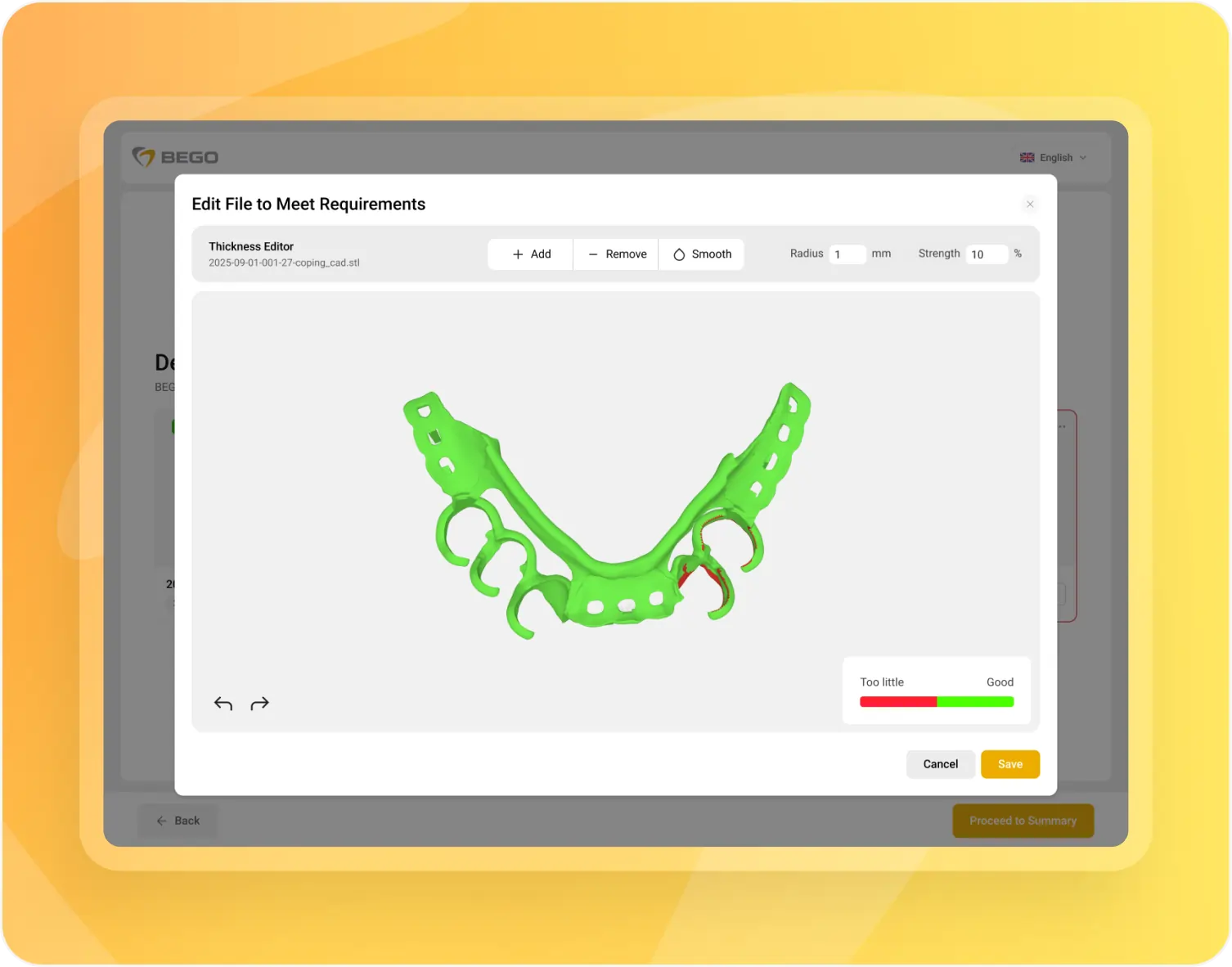
- There were limitations in integrations. ERP, IDA (Intelligent Design Assistant), CAD, and other systems were used but weren’t part of a unified flow. This resulted in additional manual work and more errors.
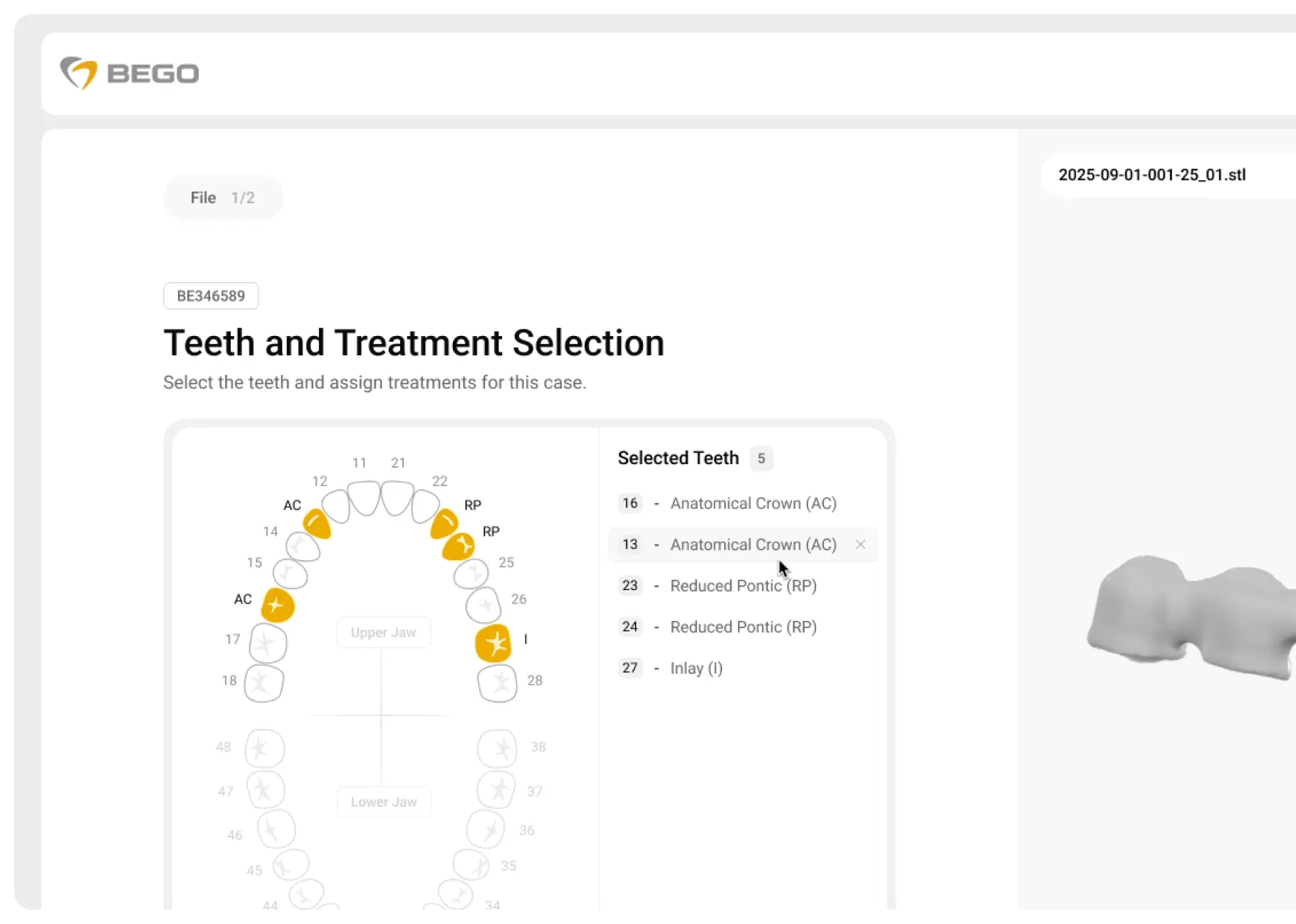
- Metadata was heavily underutilized. Although uploaded files already contained important information – patient data, product specifications, materials, order details, etc. – users couldn’t properly edit and validate it before placing orders. Instead of assisting users through auto-population and validation, the system left this valuable data largely untouched.
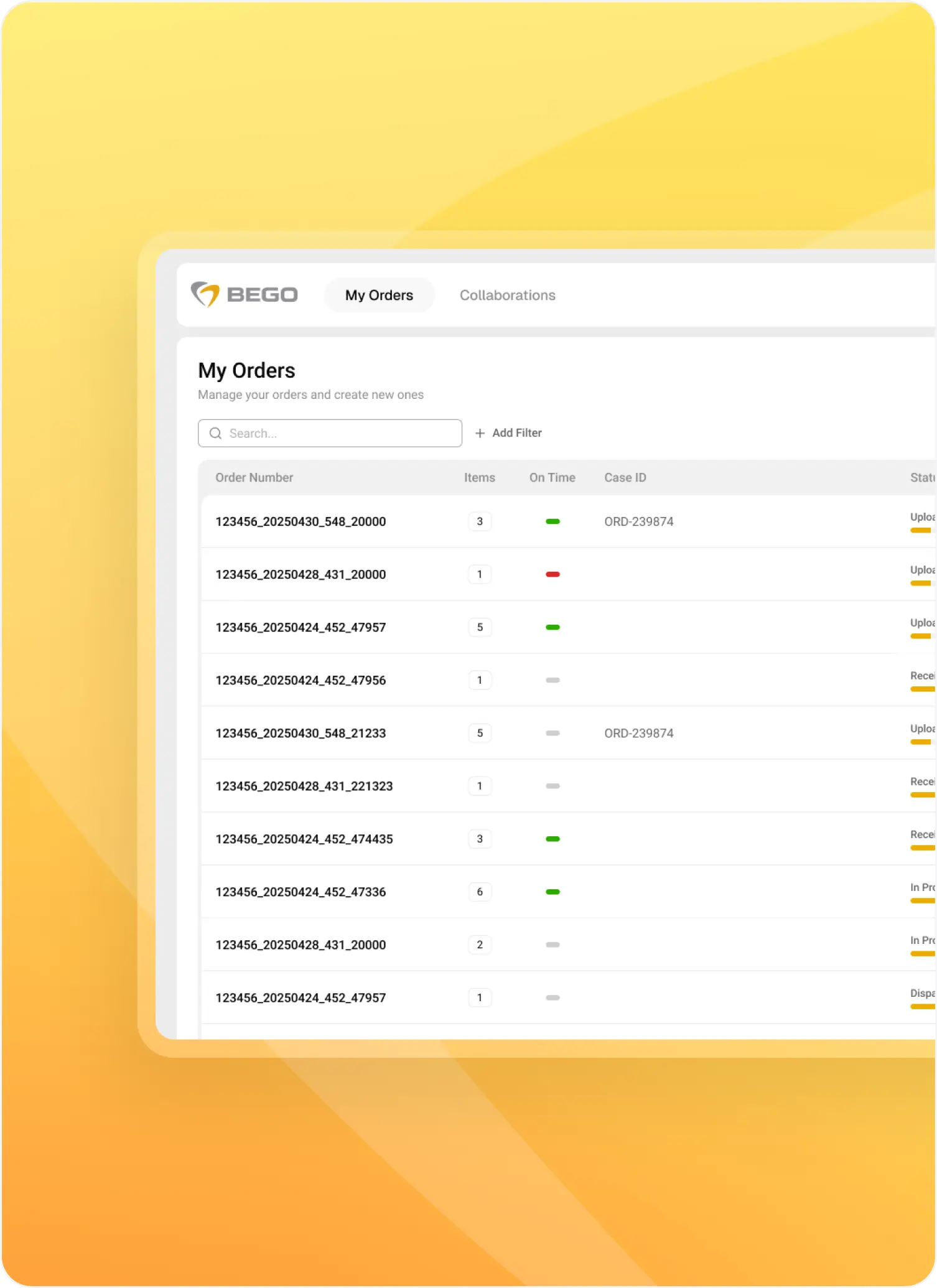
Solutions
For the client and for us, it was clear that the most sustainable and scalable approach was to build a new platform from scratch.
We decided to do this without discarding everything entirely. Instead, the working parts (for example, certain backend file-processing components) were carefully reused and integrated like a built-in solution.
Our approach suggested:
- Establishing a scalable architecture able to support future growth and feature expansion
- Building a single platform where all other portals can gradually be integrated, providing one place for placing different types of orders
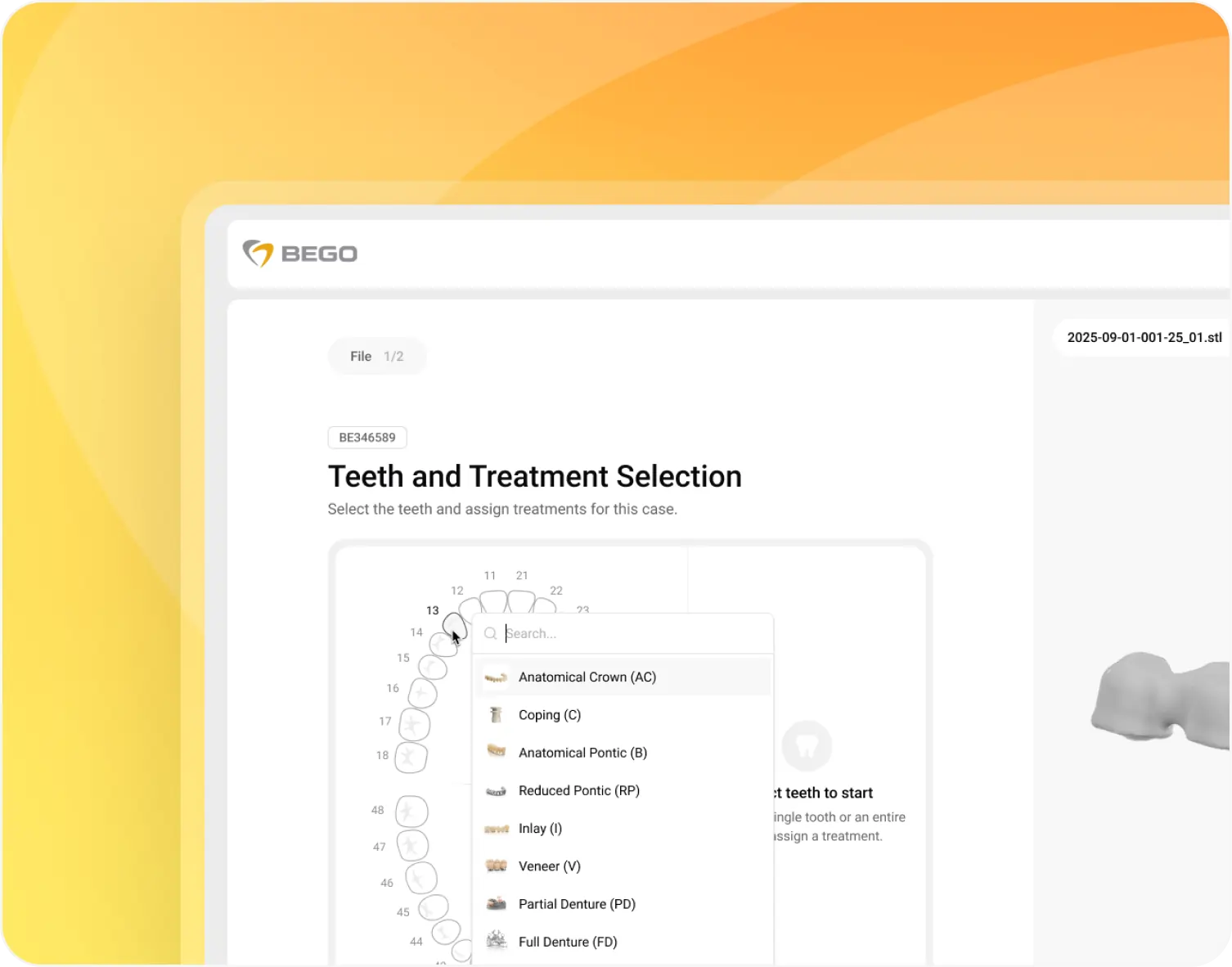
- Designing a modern, user-friendly UI/UX
- Minimizing manual actions by using metadata for suggesting products and materials and highlighting missing information, while allowing user adjustments
- Enabling business users to control logic through the admin panel instead of modifying the codebase